VS Code

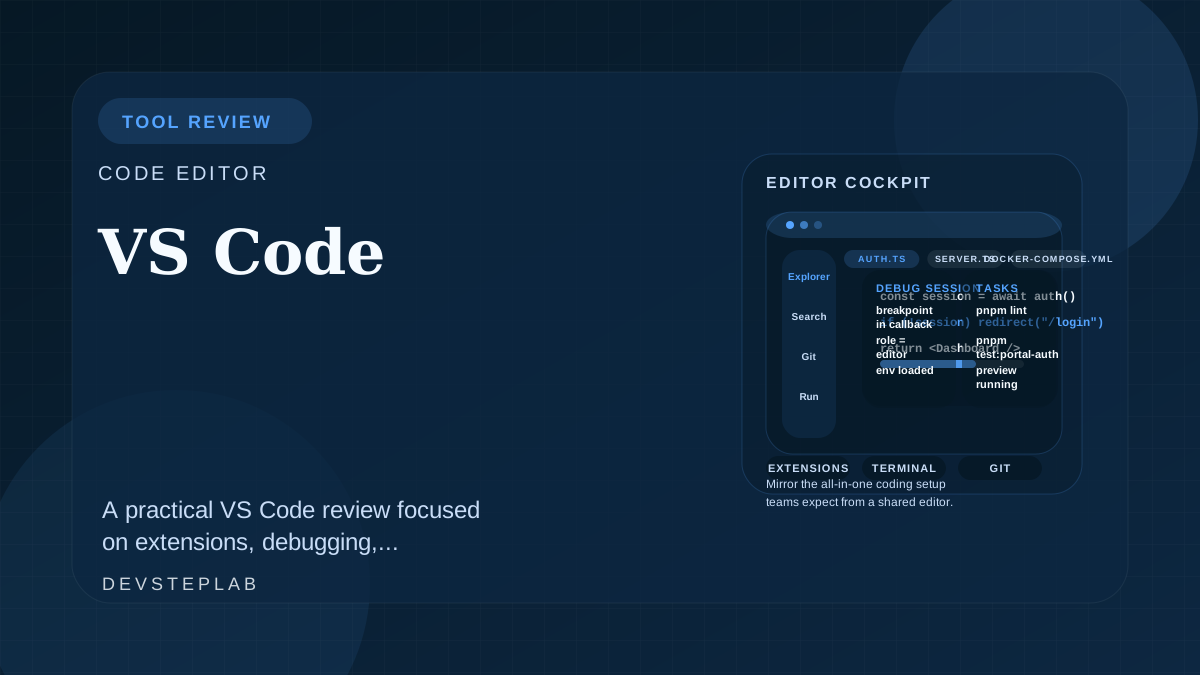
A practical VS Code review focused on extensions, debugging, collaboration, and why it remains the default editor for many web teams.
VS Code wins in practice because it is flexible enough to support very different workflows without forcing teams into a heavyweight IDE model on day one. That flexibility is also the risk: without a baseline setup, every developer ends up using a different editor disguised as the same product.
VS Code is strongest when teams want one editor that supports extensions, debugging, Git workflows, and fast onboarding across projects.
Where VS Code fits best
VS Code is strongest for teams that need one editor to cover:
- JavaScript and TypeScript work
- API and backend edits
- infrastructure files
- markdown and editorial workflows
That breadth makes it a strong default when standardization matters more than deep language-specific tooling.
Extensions should serve the workflow, not define it
A stable team setup usually includes only the extensions that improve the core path:
- linting and formatting
- debugger integrations
- language support that matches the stack
- remote or container workflows when they are actually used
Too many extensions slow the editor down and make onboarding harder to reproduce.
How VS Code compares to heavier IDE workflows
VS Code usually wins when the team values flexibility over deeply opinionated language tooling. That makes it especially strong for full-stack teams who switch between frontend work, APIs, infrastructure files, and Markdown-heavy documentation in the same day.
Heavier IDEs can still be better when:
- one language dominates the entire codebase
- advanced refactoring is central to daily work
- the team wants more out-of-the-box conventions and less extension curation
The decision is less about which editor is objectively best and more about how much workflow standardization the team needs across mixed projects.
The collaboration benefit is standardization
The biggest operational gain is not personal productivity. It is shared predictability. When a team can assume the same formatting, debugging, and workspace behavior, documentation stays accurate and support overhead falls.
That is part of the same workflow discipline behind GitHub: the tool is more valuable when the team uses it consistently.
What to standardize if the team adopts it
If VS Code becomes the default editor, lock down a small baseline:
- shared formatter and lint rules
- recommended extensions in the repository
- debug configurations for the most common services
- remote container or workspace setup only when the project actually needs it
Without those defaults, the editor becomes a collection of personal setups rather than a shared engineering environment.
Editorial verdict
Choose VS Code when you need one adaptable editor for mixed technical work and a team baseline that is easy to document. Avoid turning it into an uncurated extension marketplace, or the standardization benefit disappears.
Related next reads
Frequently Asked Questions
Is VS Code still the best default editor for most web teams?
For many teams, yes. It balances flexibility, ecosystem depth, and onboarding speed better than most alternatives, especially when the stack spans frontend, backend, and DevOps work.
Can too many extensions make VS Code worse?
Yes. The editor is strongest when teams agree on a small, intentional extension baseline instead of turning every installation into a different toolchain.