Dockerizing a Node.js Application for Production
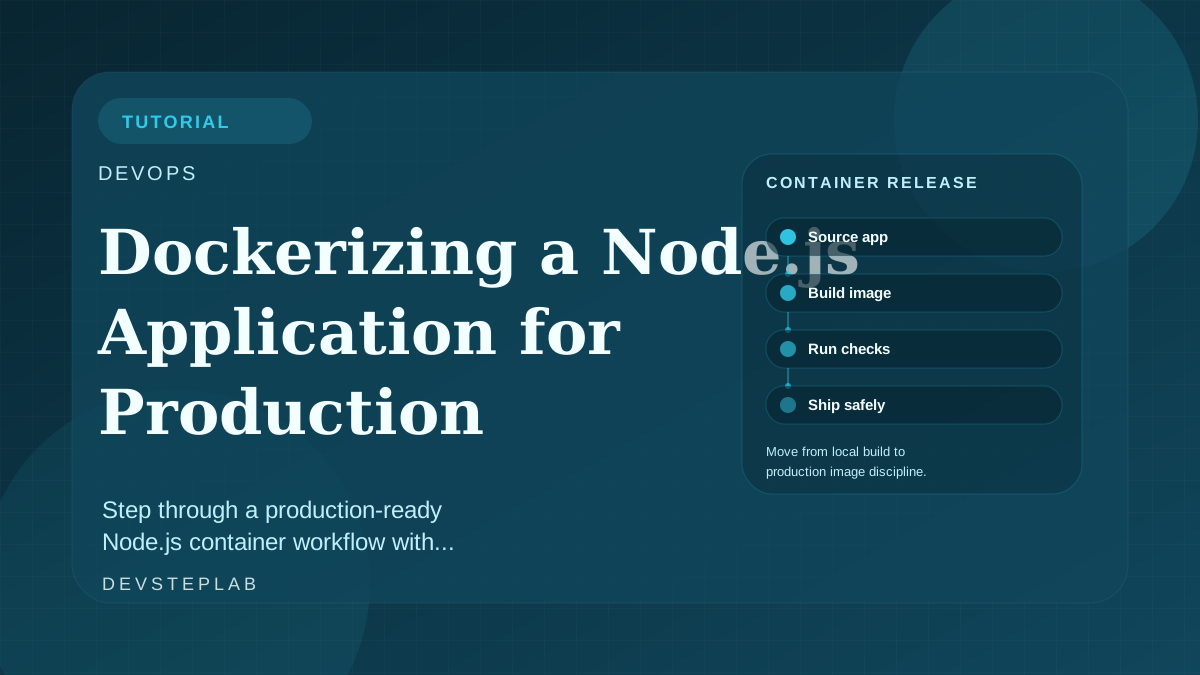
Step through a production-ready Node.js container workflow with smaller images, safer runtime defaults, and CI-friendly Docker practices.
Most Node.js containers work fine in local demos and then become expensive in production because they copy too much, run as root, or treat the build stage and runtime stage as the same environment.
This tutorial narrows the process to a production-ready path: small images, deterministic installs, and runtime defaults that fit CI/CD pipelines. It pairs well with Mastering Node.js: From Beginner to Production if you want the broader runtime model.
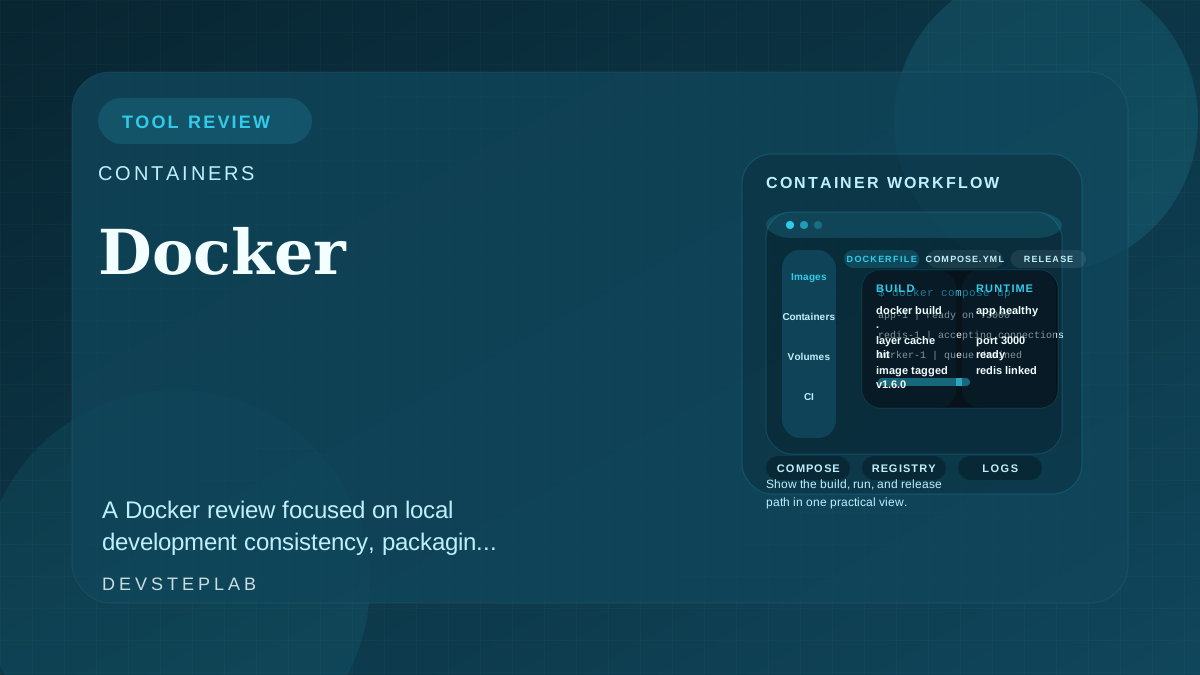
Production Docker for Node.js is mostly about runtime contracts, smaller images, and build steps that match CI instead of local shortcuts.
Start with a multi-stage build
Separate dependency installation, compilation, and runtime packaging. That gives you smaller images and fewer surprises in deploy pipelines.
FROM node:22-slim AS build
WORKDIR /app
COPY package.json package-lock.json ./
RUN npm ci
COPY . .
RUN npm run build

FROM node:22-slim AS runtime
WORKDIR /app
ENV NODE_ENV=production
COPY --from=build /app/package.json ./
COPY --from=build /app/package-lock.json ./
RUN npm ci --omit=dev
COPY --from=build /app/dist ./dist
USER node
CMD ["node", "dist/server.js"]
The production stage should contain only what the process needs to boot and serve traffic.
Keep the runtime contract explicit
Production containers fail when they rely on local assumptions:
- Environment variables are undocumented.
- The process writes to directories that do not exist in the image.
- Health checks are missing or too shallow.
Define the expected port, file system behavior, and shutdown path up front. Containers should not need interactive debugging to explain their own startup contract.
Tune for CI, not only localhost
Image strategy should fit the delivery path:
- Cache dependency layers aggressively.
- Pin Node and package-manager behavior.
- Fail the build if tests or linting fail before the runtime image is produced.
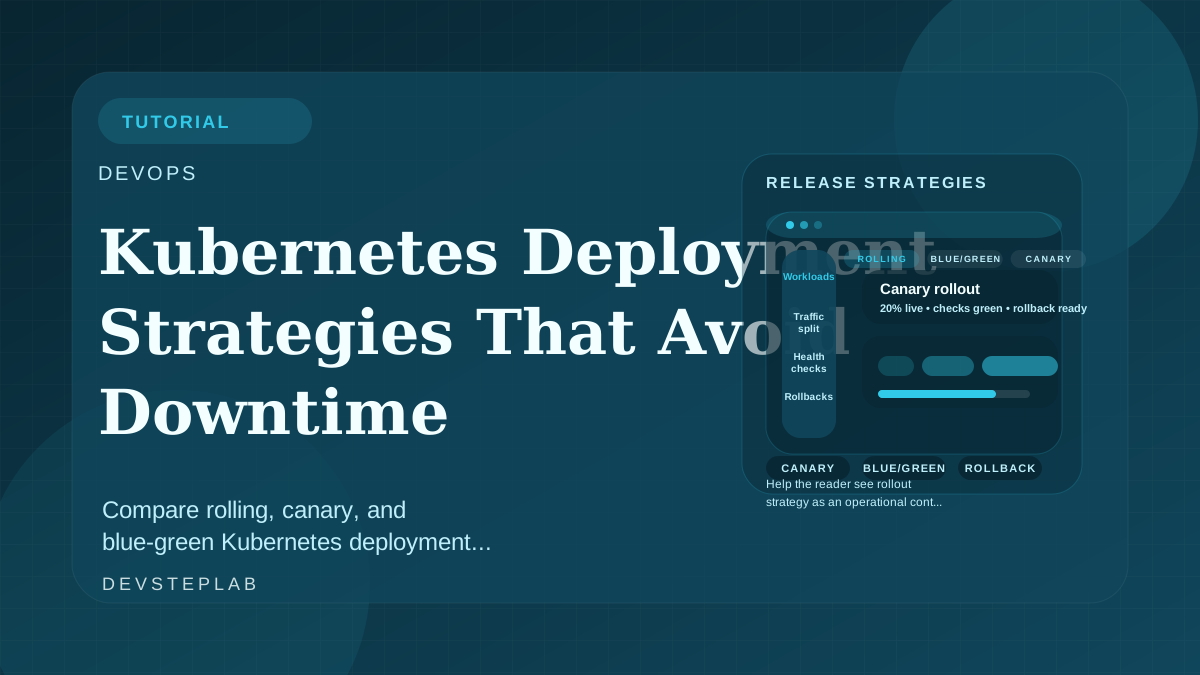
If the image is going into Kubernetes later, line this up with Kubernetes Deployment Strategies That Avoid Downtime so rollout health checks and process readiness stay consistent.
Reduce attack surface
Basic hardening still matters:
- Run as a non-root user.
- Remove unused shells and build tools from the runtime layer.
- Avoid baking secrets into image layers.
- Keep the exposed port and process model minimal.
Containerization does not secure an application by itself. It just makes the runtime boundary more explicit.
Observe the container in production terms
A production image is only finished when you can answer these questions quickly:
- What does startup success look like?
- What signals does the process handle for shutdown?
- Which logs are required to diagnose boot or dependency failure?
- How will the platform decide whether the container is healthy?
That mindset produces images that behave predictably under orchestration instead of only inside a developer laptop loop.
Related next reads
Frequently Asked Questions
Why not use the same Docker image for development and production?
Development images usually optimize for debugging and local file sync, while production images should optimize for small size, fast startup, and minimal attack surface.
Is Alpine always the best base image for Node.js?
No. Alpine can reduce size, but it also changes libc behavior and can complicate native module builds. A slim Debian image is often the safer production default.